SOL SE 3D Printer for Dental Professionals & Biocompatible Applications - Rodin®





Ackuretta
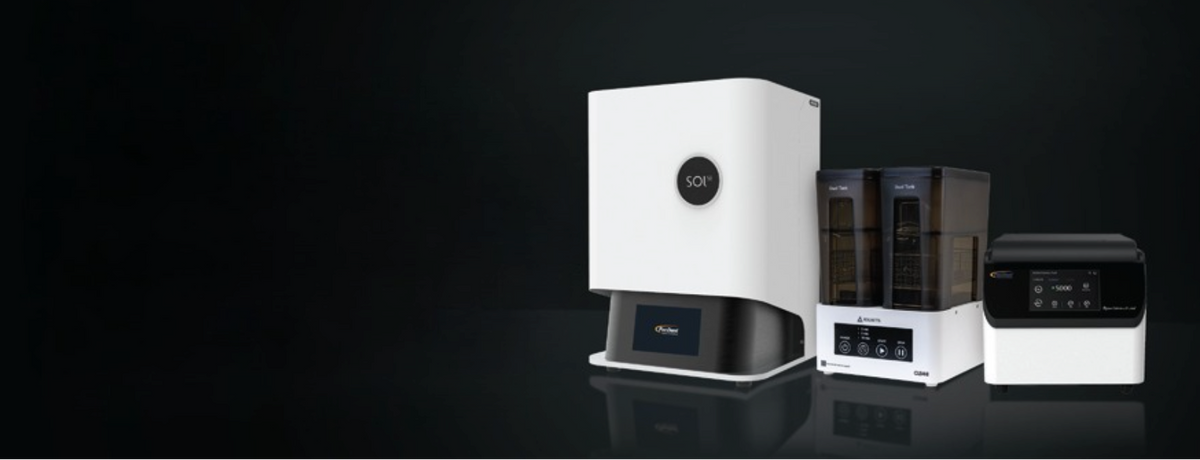
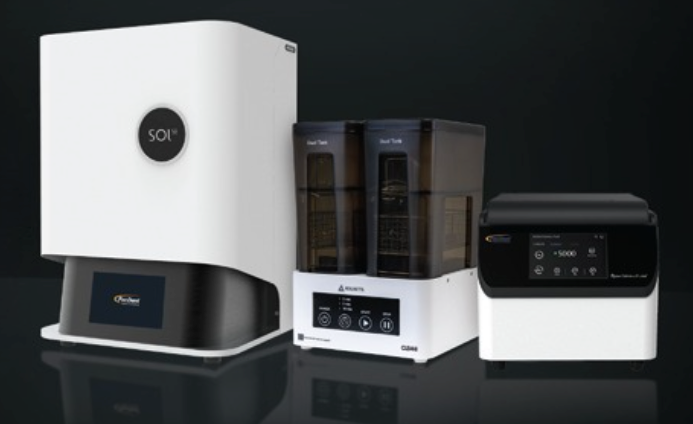
Introducing SOL SE
Print Faster - Deliver Sooner
Learn how to connect your SOL 3D printer to a local network using either Wi-Fi or a wired connection.
Learn how to start the printing process on your SOL 3D printer using the various available options.
Learn how to safely remove your 3D print from the build platform using a knife or spatula, following the technique we recommend.
Learn how to use the Clean Vat Function to easily remove debris left in the resin vat after a failed print. You will need gloves, a business card or piece of stiff paper, and a waste receptacle. Always handle and dispose of resin responsibly.
Learn how to clean the vat on your SOL 3D printer. It is important that you clean your vat thoroughly whenever you change resins.
Learn how to reset the SOL 3D printer to the same settings that are used when the printer is sent from the factory. Make sure to back up any custom settings or data before you perform this process.
Learn how to get started with your SOL 3D printer, explore its advanced features and benefits, and discover how Ackuretta Concierge provides expert support, extended warranty coverage, and learning resources to help you optimize your digital dentistry workflow.
Learn how the new Small and Medium build platforms for your SOL 3D printer help reduce waiting times and material waste while improving your printing efficiency.

Less Stress, More Success, We Got You Covered
Your 3D printing chanllenges solved in hours, not days. As fast as 2 hours.
Discover exocad globally renowned software solution for outstanding dental restoration designs – powered by passion, executed in excellence
High-performance, user-friendly open software solution for your implant planning and surgical guide design


